One form for the whole event—guest details, who gets in, which lists and cards apply, table layouts, and whether tickets are on sale—instead of separate tools for the door, the guest list, and the box office.
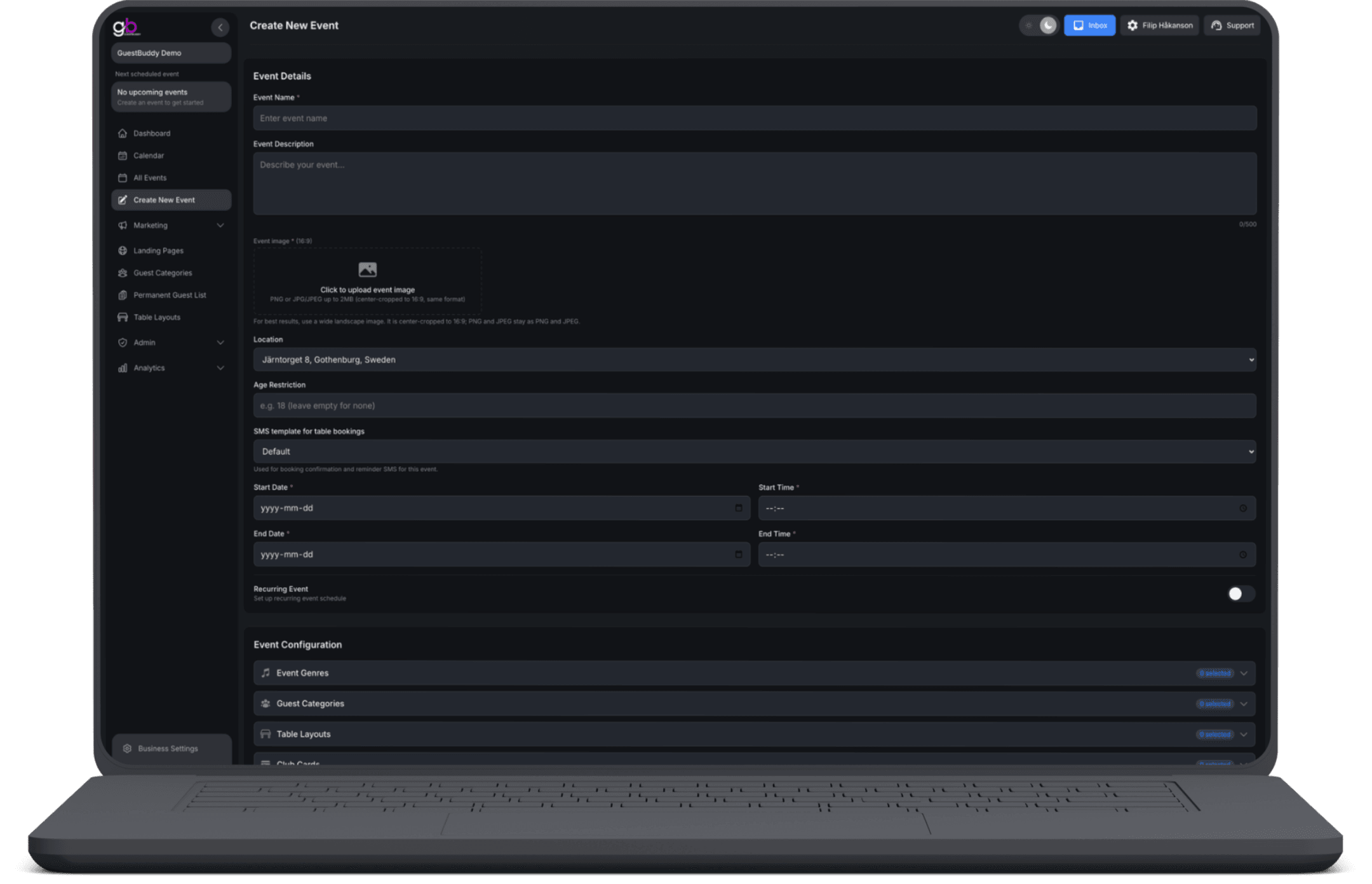
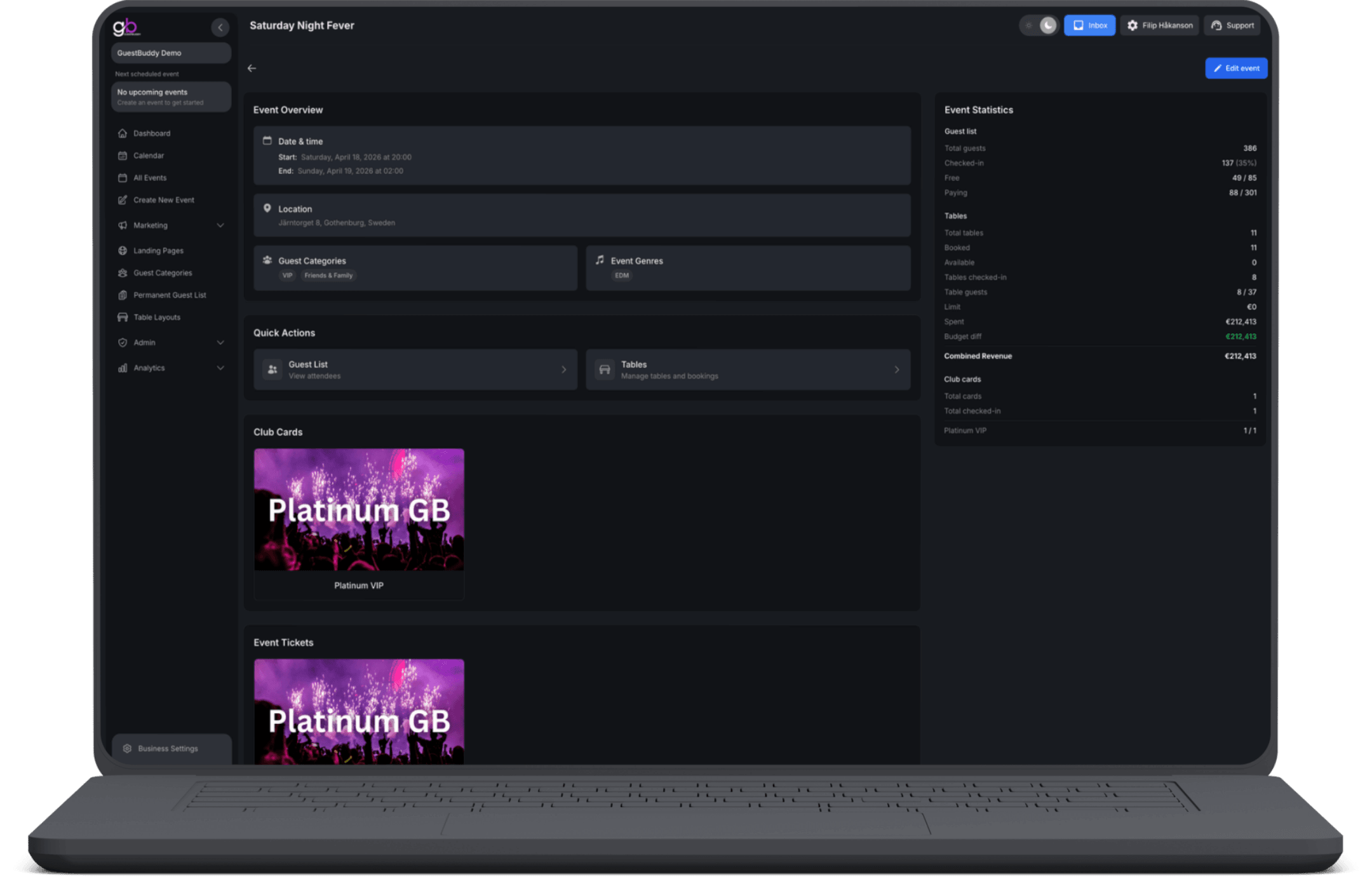
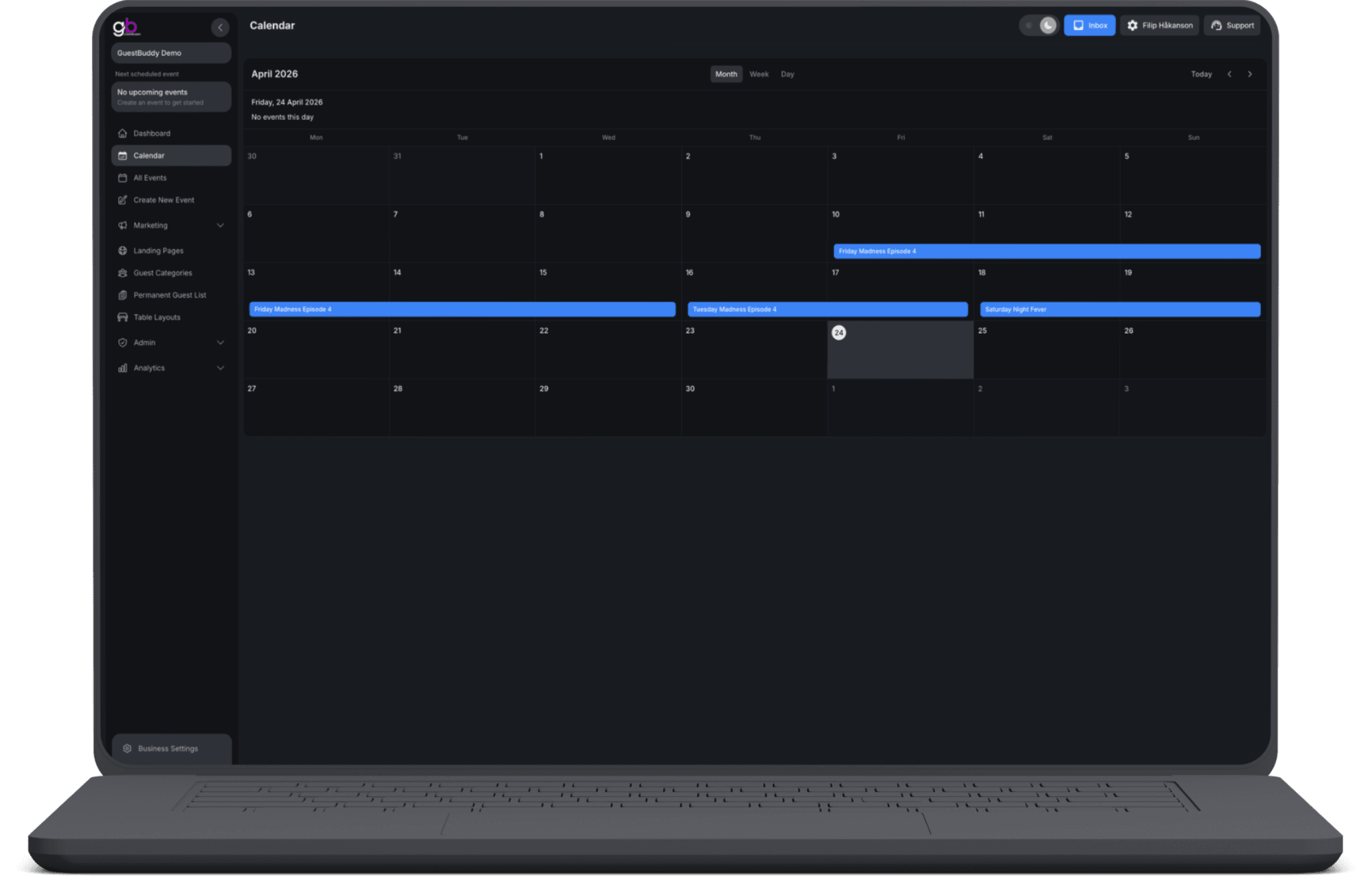
Describe the event with a name, description, wide image, address, age restriction, and start and end times. Turn on a recurring schedule for weekly series, residencies, or a run of dates. On the same form, attach event genres, guest categories, table layouts, club cards, and permanent guest lists; add named guest lists (VIP, artist, promoter) and switch on tickets with a sell-out revenue estimate before the event goes on sale. Afterward, find every event under All Events or on the Calendar, open the overview, edit what you set at creation, export ticket holders, or refund sales when you are allowed to.
One form for the event
Details guests see, who is allowed in, which lists and cards apply, and whether tickets are on sale—built in one place, not three tools.
The event is the hub
Attach genres, guest categories, table layouts, club cards, permanent guest lists, and tickets on the same event so everything hangs off one event.
Booking SMS templates
Choose the SMS template used for table-booking confirmations and reminders so every booking message matches your venue.
Date, time & recurrence
Set start and end times, then repeat on chosen weekdays across a date range—for a weekly series, a residency, or a full run of events.
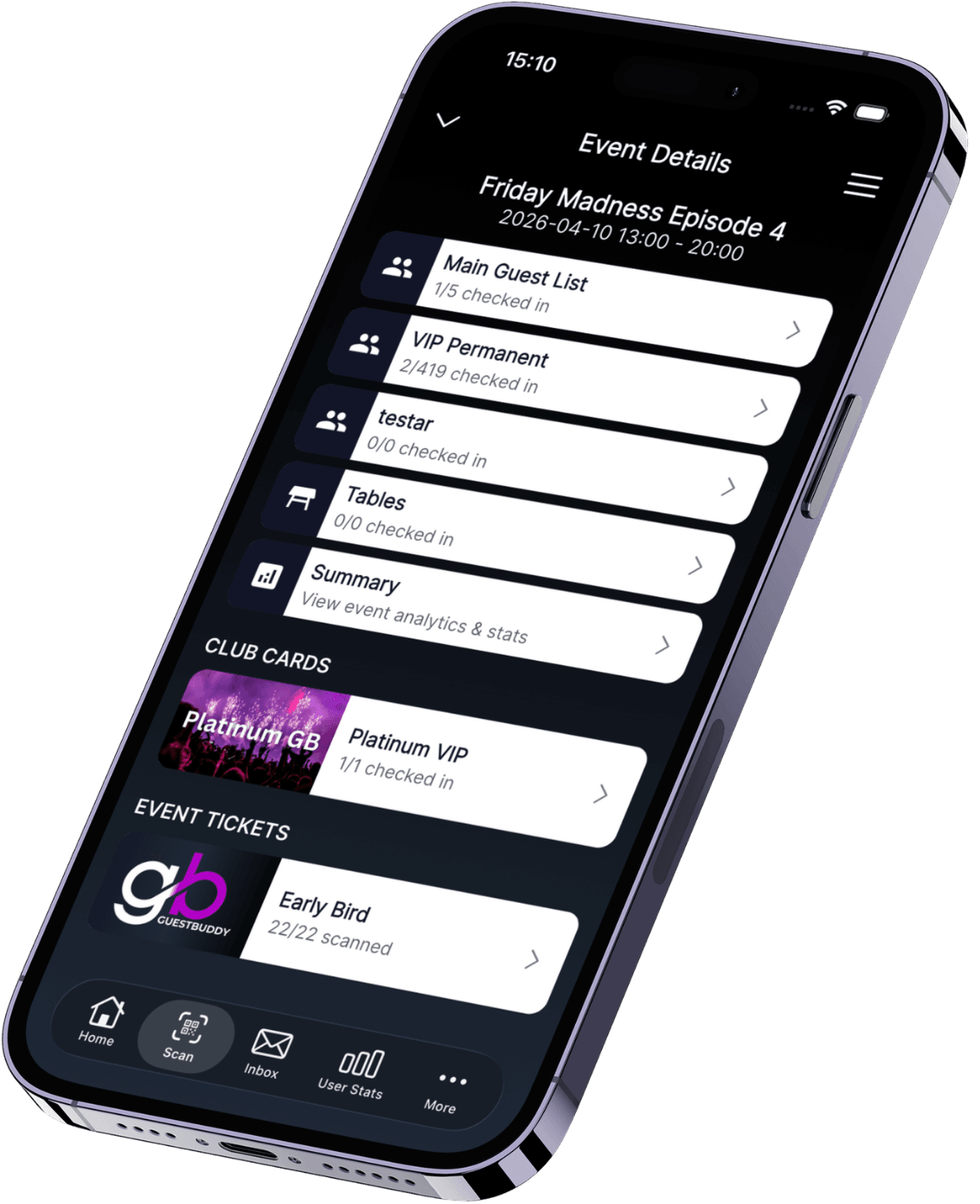
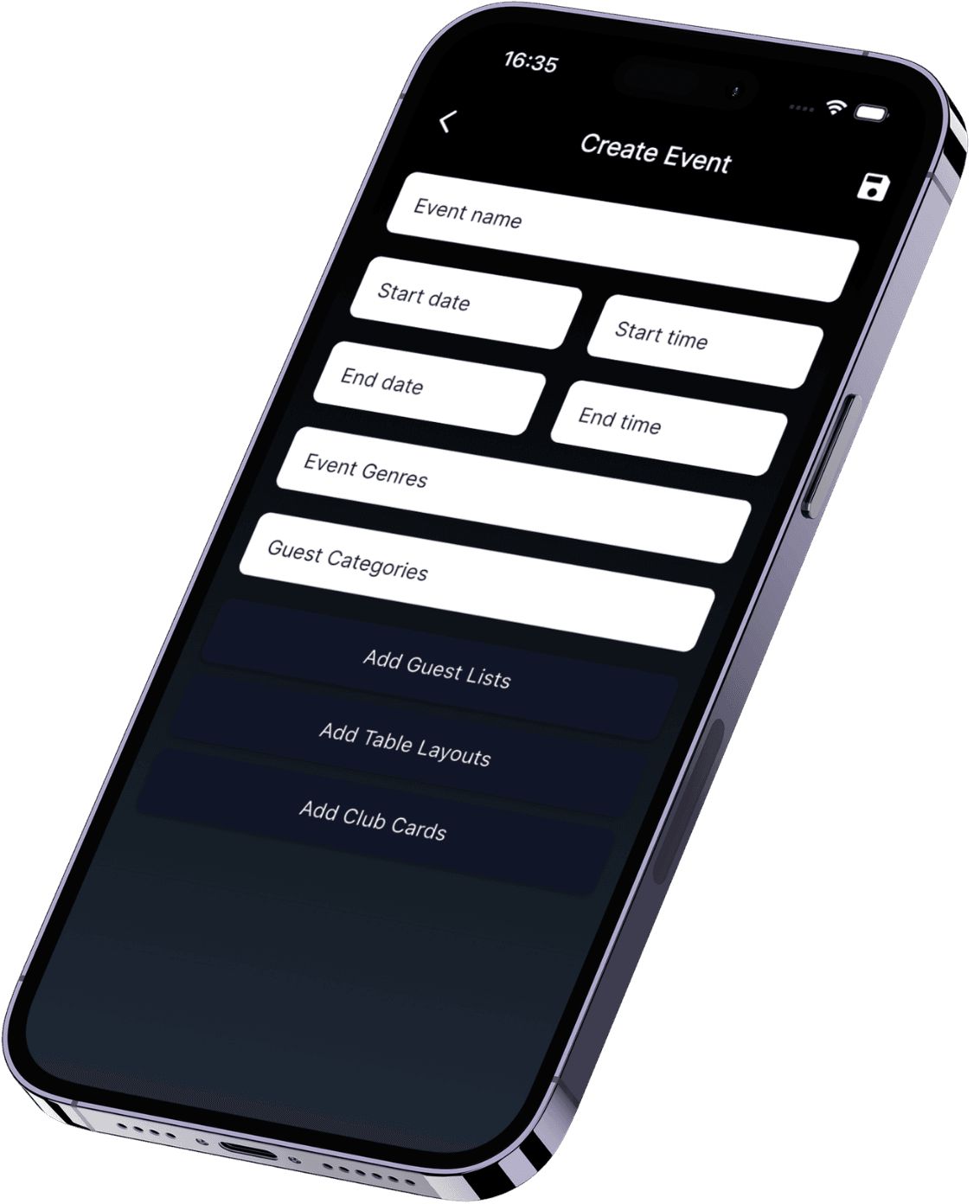
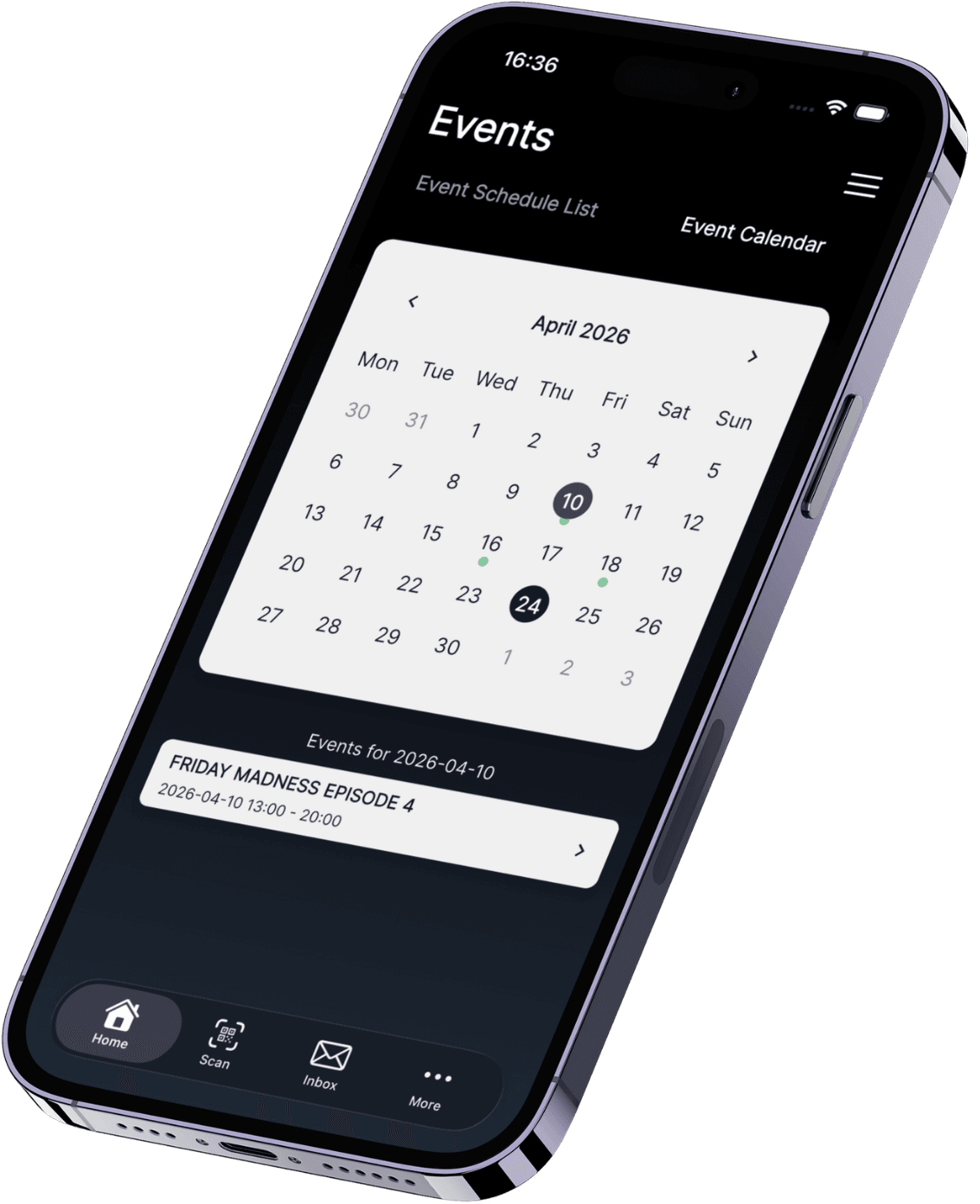
The app is for teams in motion while the event is live. Open the event, make quick edits, and keep details, timings, categories, lists, and booking-related info updated without running back to a desk. Because the app and portal stay in sync, every change is shared instantly so your team always works from the same live version of the event.


Sell-out estimate
While tickets are set up, see revenue potential: price times quantity, service fees you keep, platform fees, and the net if the event sells out.
Lists & categories on the event
Add extra named guest lists, let guests sign up in the app, mark a public list as free entry, and tag the event with guest categories your team already uses.
Your own event genres
Define styles in your words—electronic, hip hop, live, comedy—then attach them to events so they show up in guest history, ticket reports, and marketing.
All Events & Calendar
Find upcoming, ongoing, or completed events in one list or on the calendar. Open any event for overview, tickets, cards, lists, and tables—then edit what you need.
In one form you set the name, description, image, address, age restriction, and start and end times. You can also attach event genres, guest categories, table layouts, club cards, permanent guest lists, extra named guest lists, and tickets—plus choose the SMS template used for table-booking confirmations.
Yes. Turn on a recurring schedule, pick a date range, and choose the weekdays it should run. That works for a weekly series, a residency, or a full run of dates without rebuilding the event from scratch each time.
The event is the hub. Lists, club cards, table layouts, genres, and tickets all attach to the same event, so the door, the guest list, and ticket sales share one setup instead of separate tools.
Genres are styles you define in your own words—for example electronic, hip hop, live, or comedy. Attach them to events so they show up in guest history, ticket-sales reports, and marketing audiences for people who came to that style before.
Use All Events (filtered as upcoming, ongoing, or completed) or the Calendar. Open any event for an overview, edit what you set at creation, export ticket holders, or refund ticket sales when you are allowed to.
Get started with GuestBuddy today and discover seamless event management with powerful, efficient tools.